
Hardeeville SC Bus Stop: 5 Practical Checks Before You Board
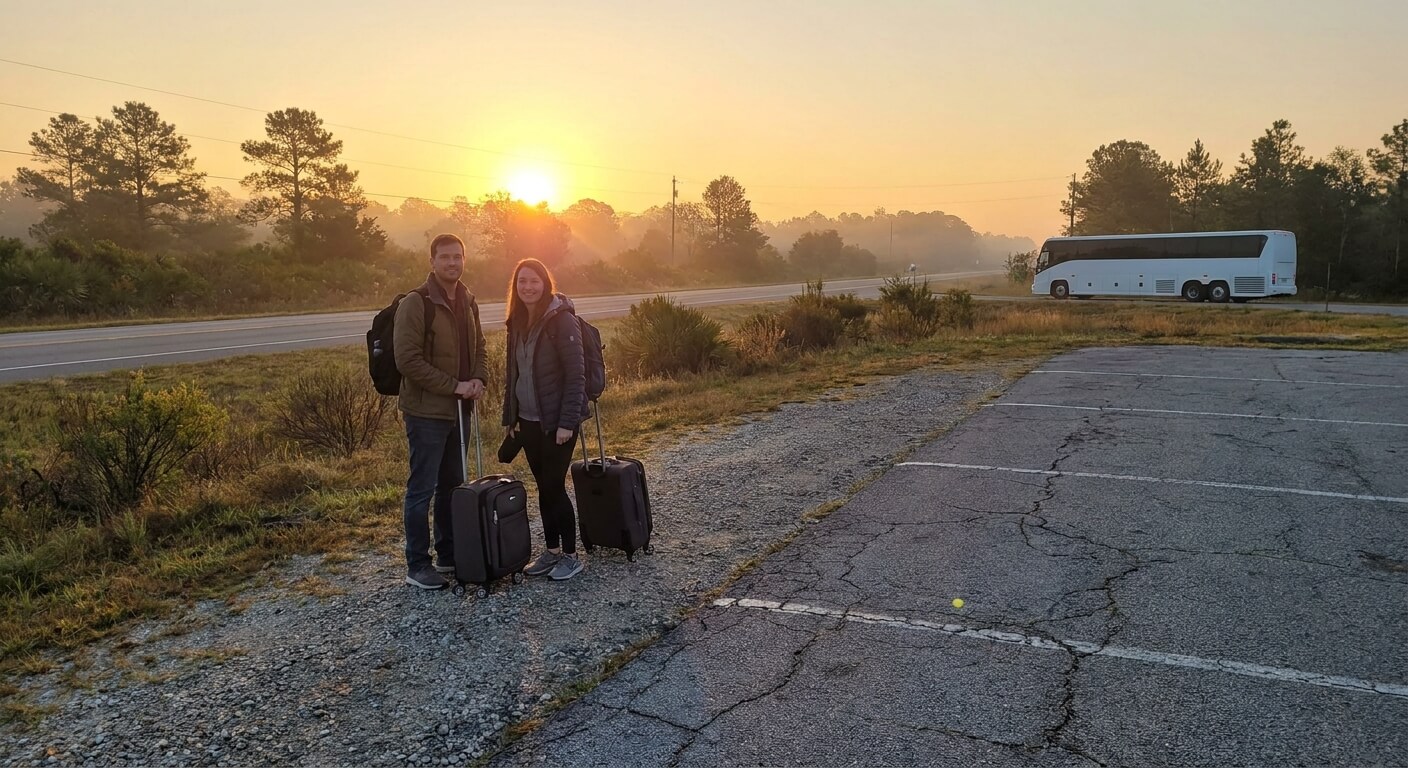
The Hardeeville SC bus stop for StarLine Coach is listed on the company stations page as an Enmarket location. That means you board at a fuel station lot rather than a terminal with a waiting room. This guide explains what the published pages say and how to prepare for the pickup.
Hardeeville is one of the South Carolina cities in the list of popular routes from New York. Because the Hardeeville SC bus stop is a store location, preparation matters more than it would at a big station. These practical checks help you arrive on time and board without trouble.
What the Hardeeville SC Bus Stop Listing Says
The StarLine Coach stations page names Hardeeville, South Carolina, with Enmarket as the stop. That page lists 26 cities and 27 pickup points across eight states or districts. Most points are gas stations, Walmart lots, and fast food parking lots, not bus stations.
The published pages do not describe a shelter, seating, a passenger restroom, or a staffed counter at the Hardeeville SC bus stop. Do not assume any of them. Think of it as a pickup spot at a store lot, and plan the wait around that.
This guide does not print a street address, because addresses can change and this site cannot confirm the current one. Your e-ticket and the official stations page are the sources to trust. If they disagree with what you expect, call customer service before you travel.
The pages also do not say how far the stop is from other places in the area. If your final destination is somewhere nearby, check a map yourself and plan how you will get there. Do not rely on guesses about distance or on a ride being waiting for you.
5 Practical Checks for the Hardeeville SC Bus Stop
Use this short list a few days before your trip. Every item comes from rules published on the StarLine Coach site, so there is nothing here to guess about.
- Check the stop name. Your e-ticket should show the same pickup that the stations page lists for Hardeeville.
- Plan to arrive early. Online ticket holders should be at the stop 30 minutes before departure or risk losing the seat.
- Bring photo ID. A government-issued photo ID and an e-ticket are both required to board.
- Weigh your bags. The luggage rules allow one checked bag and one carry-on, each with limits.
- Keep the help line handy. Customer service answers 24 hours a day on 646-859-2288.
These checks are small, but skipping them is how most riders get into trouble. The sections that follow go through each one, with notes that are specific to a gas station pickup like this one.
Finding Your Hardeeville SC Bus Stop on the Map
Towns often have more than one fuel station, and brand names repeat. Read the pickup name on your ticket and type that exact name into your map app together with the town. Then compare the result with the stations page. A mismatch is much easier to fix at home than at the roadside.
Do this check in advance rather than on the day of travel. A weak phone signal or a rushed drive makes it easy to pick the wrong spot. If you are unsure, call customer service and ask them to confirm the location for your ticket.
The stations page also notes that some stops are in a neighboring town instead of the city in the name. That does not apply to Hardeeville as listed, but it shows why the ticket is the source to trust. See the Savannah GA bus stop guide for another store-lot pickup.
How Early to Be at the Hardeeville SC Bus Stop
The FAQ and terms ask online ticket holders to be at the stop at least 30 minutes before departure. If you arrive later, your seat may be resold to someone else. The rule is the same at every stop, so the Hardeeville SC bus stop is no exception.
Treat 30 minutes as the lowest limit. A slow drive, a long line at the register, or a hunt for the right corner of the lot can use up your buffer. A little extra time costs nothing and gives you room to settle in.
Remember that the site does not guarantee departure or arrival times and is not responsible for delays. Use the time printed on your ticket as a guide, and stay flexible. If you are picking someone up, phone them for an update instead of waiting for a long period in the lot.
ID, E-Ticket, and Luggage Rules
Boarding takes a government-issued photo ID and your electronic ticket. You can show the e-ticket on your phone from the confirmation email, or print it. For more detail on identification, read the ID rules for the Chinatown bus.
Each passenger may bring one checked bag and one carry-on. A checked bag should weigh 50 pounds or less, and its three sides added up should be no more than 62 inches. Oversized or extra bags start at $10 per piece. For the full picture, see the Chinatown bus baggage allowance.
Only service dogs may ride on board, so arrange pet care before you go. Children under 16 must be accompanied by an adult. Keep your ID and ticket in a pocket or small bag that stays with you, because digging through luggage at the curb slows you down.
Waiting at a Store Lot Pickup
A store lot is a normal place to wait, but it is not built for passengers. You may spend part of the time outside, so dress for the weather. Bring water if you like, and charge your phone, since your ticket is on it.
Do any shopping before the bus arrives, and keep an eye on the lot while you do. Stay clear of pumps and driving lanes, and keep your bags close. When the bus arrives, you want to be at the stop with your ID and ticket already in hand.
Seats are not assigned. The FAQ says seating is first come, first served, so arriving early and being near the door of the bus can help. Follow the driver’s directions when loading, and place your checked bag where you are told.
Onboard After the Hardeeville SC Bus Stop
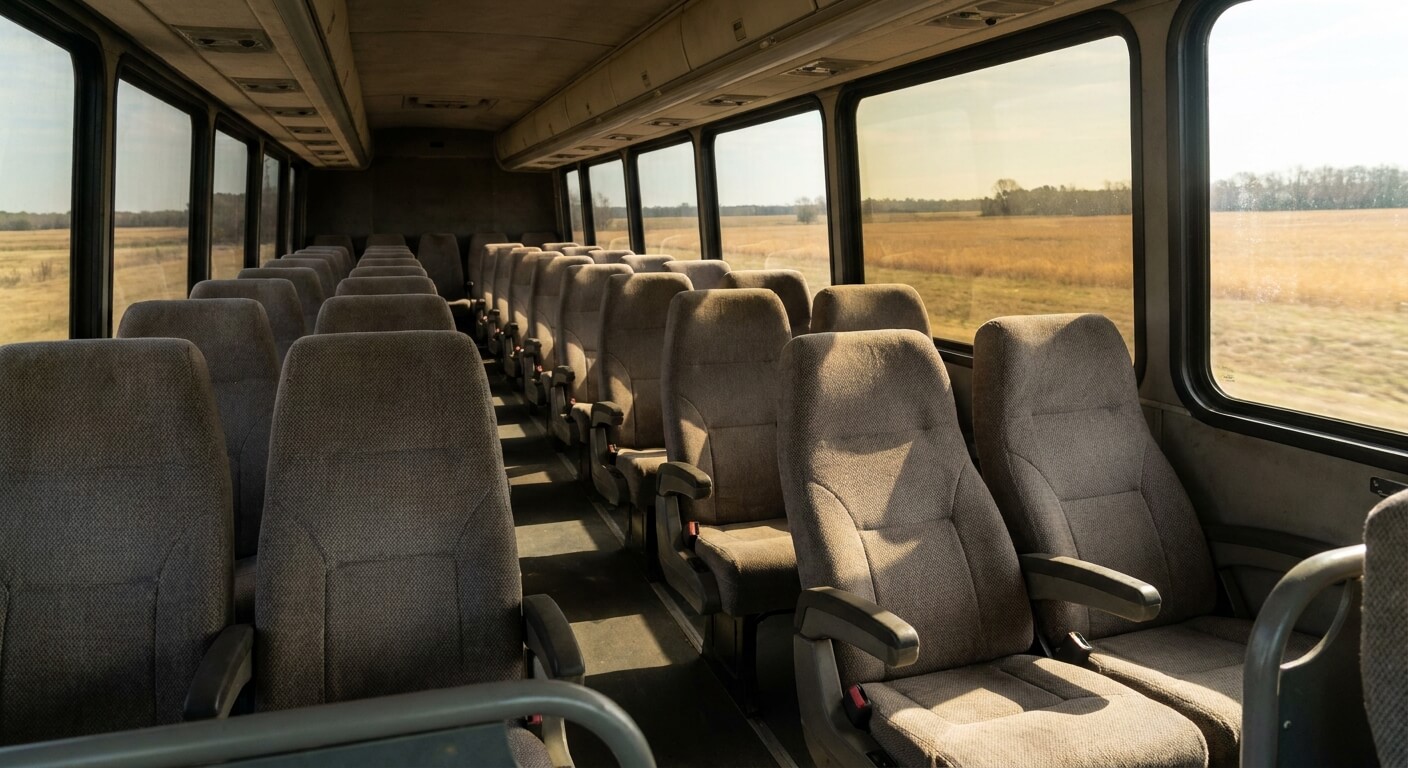
The home page lists free WiFi, power outlets, and air conditioning. It also says that riders who install the official app can watch movies on the onboard WiFi without using their own data. These are listed features, so keep your phone charged as a backup.
The terms say the bus stops for a break of about 5 to 10 minutes during the trip. Those pauses are short. Get off only at your own stop, since pickup and drop-off points are not rest stops and the bus will not wait for riders who wander.
If Your Plans Change
Tickets are not refundable, according to the FAQ and terms, including in cases of delay. If the company cancels or changes a trip because of weather or road conditions, the ticket is not refunded, but it can be rescheduled. Ask customer service about your options.
Since refunds are not offered, buy only when your plans are firm. If you are unsure about the date, speak with customer service before you purchase. The phone line is open around the clock, so you can call at any hour with a question.
Common Mistakes at the Hardeeville SC Bus Stop
The first mistake is going to the wrong fuel station, so compare your ticket with the stations page. The second is arriving with less than 30 minutes to spare. The third is bringing a bag that is over the size or weight limit, which can mean extra fees.
A fourth mistake is expecting a station at the Hardeeville SC bus stop. No waiting room is published, so plan for the weather and for standing. A fifth is packing your ID in a checked bag. Keep it with you so you can board quickly.
Anyone who needs a wheelchair lift should plan ahead. The site says the lift-equipped vehicle requires a ticket bought at least 48 hours ahead and a phone reservation. Call customer service early rather than on the day of travel.
Be Ready Before the Bus Arrives
The Hardeeville SC bus stop is straightforward when you know the basics: an Enmarket location, a 30-minute early arrival, photo ID, an e-ticket, and bags within the limits. For anything the pages do not cover, a call to customer service is the safest step.
Ready to plan your trip? Visit the StarLine Coach home page to browse routes, confirm your pickup, and book your ticket. Check the details on the purchase page before you pay.