
Free WiFi on the Bus: 5 Practical Tips for New York to Orlando
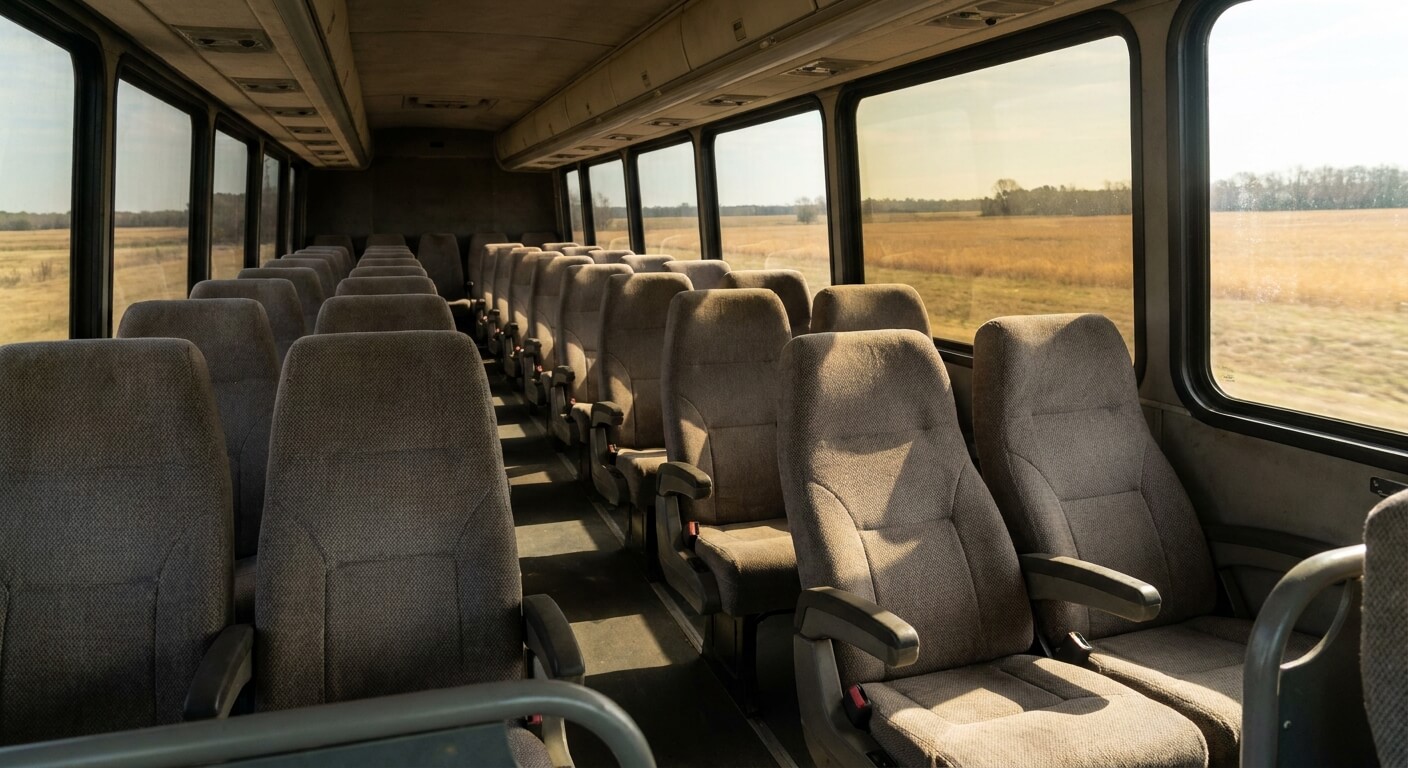
Free WiFi on the bus is a common question before a long trip south. The StarLine Coach home page lists free WiFi, power outlets, and air conditioning among its onboard features. This guide explains what that means for a New York to Orlando trip and how to plan around it.
The published pages say what is offered, but they do not give every detail. They do not say whether each vehicle has the same setup, and they do not describe the speed of the connection. So the smart approach is to use free WiFi on the bus as a bonus and prepare as if it might not work.
What the Site Says About Free WiFi on the Bus
The home page names free WiFi, power outlets, and air conditioning as onboard features. That is the only official list available for this guide, so it is the one used here. The page does not break the features down by route or by vehicle.
Because of that, this guide does not promise that every bus on every day will have the same setup. If a working connection matters for your trip, ask customer service before you buy. The line is open 24 hours a day, seven days a week, at 646-859-2288.
The pages also do not state a download speed, a data limit, or a list of blocked sites. Treat free WiFi on the bus as a light convenience for messages, maps, and simple browsing. Do not plan a video call or a big upload around it.
One more point is worth stating plainly. This blog does not quote fares, because they change with the date and the route. The booking page shows the current amount for your exact trip, so use it for any question about cost.
5 Practical Tips for Free WiFi on the Bus to Orlando
New York to Orlando is one of the popular routes listed in the footer of the StarLine Coach site. For a trip that long, a little preparation makes the ride easier. These five tips apply to any rider who wants to make the most of free WiFi on the bus.
- Charge your phone before you leave. Do not count on a power outlet being free or working the moment you sit down.
- Bring your own charging cable. The site lists outlets, but it does not say whether cables are provided.
- Download what you need first. Save maps, tickets, and work files to your phone while you still have a strong signal.
- Keep the e-ticket handy. Open the confirmation email at home so it loads even without a connection.
- Carry a backup plan. A book, a podcast, or a playlist saved offline works when the connection is slow.
None of these steps cost anything, and each one makes free WiFi on the bus a bonus instead of a need. People who prepare this way rarely feel stuck, even when the connection is weaker than they hoped.
Power Outlets and Free WiFi on the Bus
The home page lists power outlets next to free WiFi on the bus, and the two features go together for most riders. A phone that stays charged also keeps your e-ticket and your maps available. Still, the pages do not say how many outlets each vehicle has or where they sit.
For that reason, a small power bank is a smart item for your carry-on. It does not depend on the bus at all, and it can save you if an outlet is busy or does not work. Keep it in your carry-on bag, not in the luggage that goes under the bus.
Remember that each rider is allowed one checked bag and one carry-on bag. The full limits are in the post on the Chinatown bus baggage allowance. Put your chargers, cables, and headphones in the carry-on so you can reach them during the ride.
Getting to the Orlando Stop With Your Devices Ready
The Orlando pickup point on the stations page is at Pine Hills Marketplace on West Colonial Drive. A full guide on the Orlando bus stop at Pine Hills explains what to expect there. It is a parking lot stop, not a terminal, so plan your free WiFi on the bus use for after you board.
Because most StarLine Coach stops are gas stations, Walmart lots, or fast food lots, you may wait outside before boarding. Charge your devices at home, since a parking lot is not the place to count on an outlet. Plan to be ready when the bus arrives.
Online ticket holders are asked to arrive 30 minutes early, or the seat may be resold. The advice on how early to arrive for the Chinatown bus explains the rule in more detail. Use that time to check your battery and your ticket.
Making the Most of Free WiFi on the Bus
Once you are on board, a few habits help you get more from free WiFi on the bus. Connect once, then keep your usage light. Use the connection for tasks that are quick, such as checking messages, updating a map, or opening a saved article.
Use the offline files you prepared for anything heavy. If the connection drops, you lose nothing, and you do not need to wait for it to return. This approach also helps your battery last longer on a long ride.
Be considerate of the people around you. Use headphones for any audio or video, and keep calls short and quiet. A coach full of riders shares the same space, and a courteous rider makes the trip better for everyone.
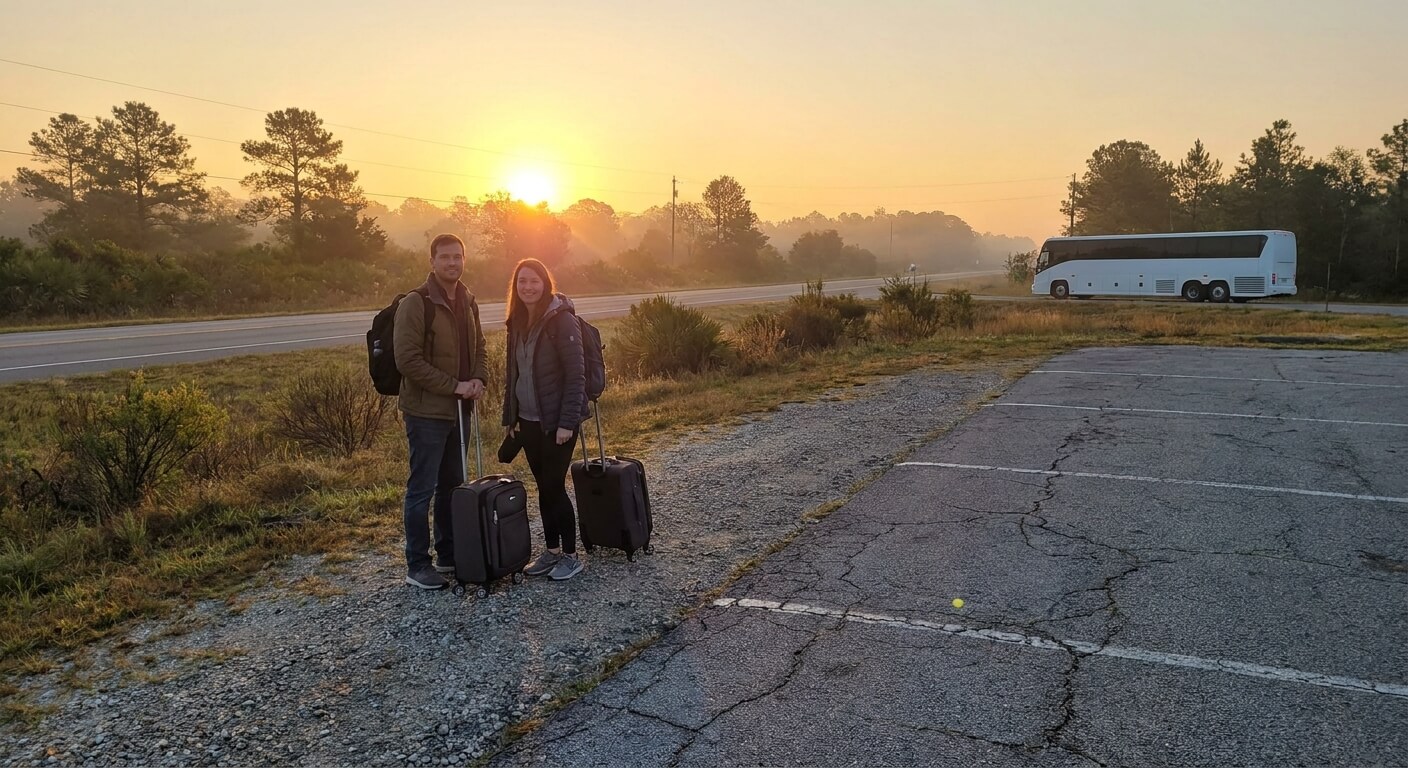
Keep in mind that the company does not guarantee departure or arrival times, according to the published terms, so free WiFi on the bus should never be your only plan.
A device that is charged and loaded with offline content makes any delay easier to handle. Check the purchase page for the latest details before you leave.
Rules That Matter More Than the Connection
Free WiFi on the bus is nice, but the boarding rules matter more. You need a government-issued photo ID and your e-ticket to board. Riders younger than 16 must travel with an adult, and only service dogs are allowed as animals.
At rest stops, which last about 5 to 10 minutes, stay close to the bus. The terms say boarding stops are not rest stops, so do not leave the bus unless it is your own stop. These rules protect everyone’s trip.
If you use a wheelchair, the special assistance page describes a lift vehicle. It asks you to buy the ticket at least 48 hours ahead and to reserve by phone. Ask about free WiFi on the bus and other onboard features when you call, since the pages do not list them by vehicle.
What This Guide Cannot Tell You
Honest planning means knowing the gaps. The published pages do not say how long the trip takes, how many buses run each day, or how strong the signal is on any given stretch. This guide leaves those details out on purpose, because guessing would only mislead you.
For departure times and the pickup name, use the purchase page and your e-ticket as the final word. If a detail does not appear there, ask customer service instead of relying on a forum post or an old screenshot.
Plan Your New York to Orlando Trip
Free WiFi on the bus is listed on the StarLine Coach home page, along with power outlets and air conditioning. Treat it as a helpful extra, charge your devices, download what you need, and keep your ID and e-ticket ready. Those habits matter more than any single feature.
Ready to book? Visit the StarLine Coach website to see current options and confirm your pickup name before you travel. Always check the purchase page for the latest details.