
Free Movies on a Chinatown Bus: 5 Key Steps to Start Watching
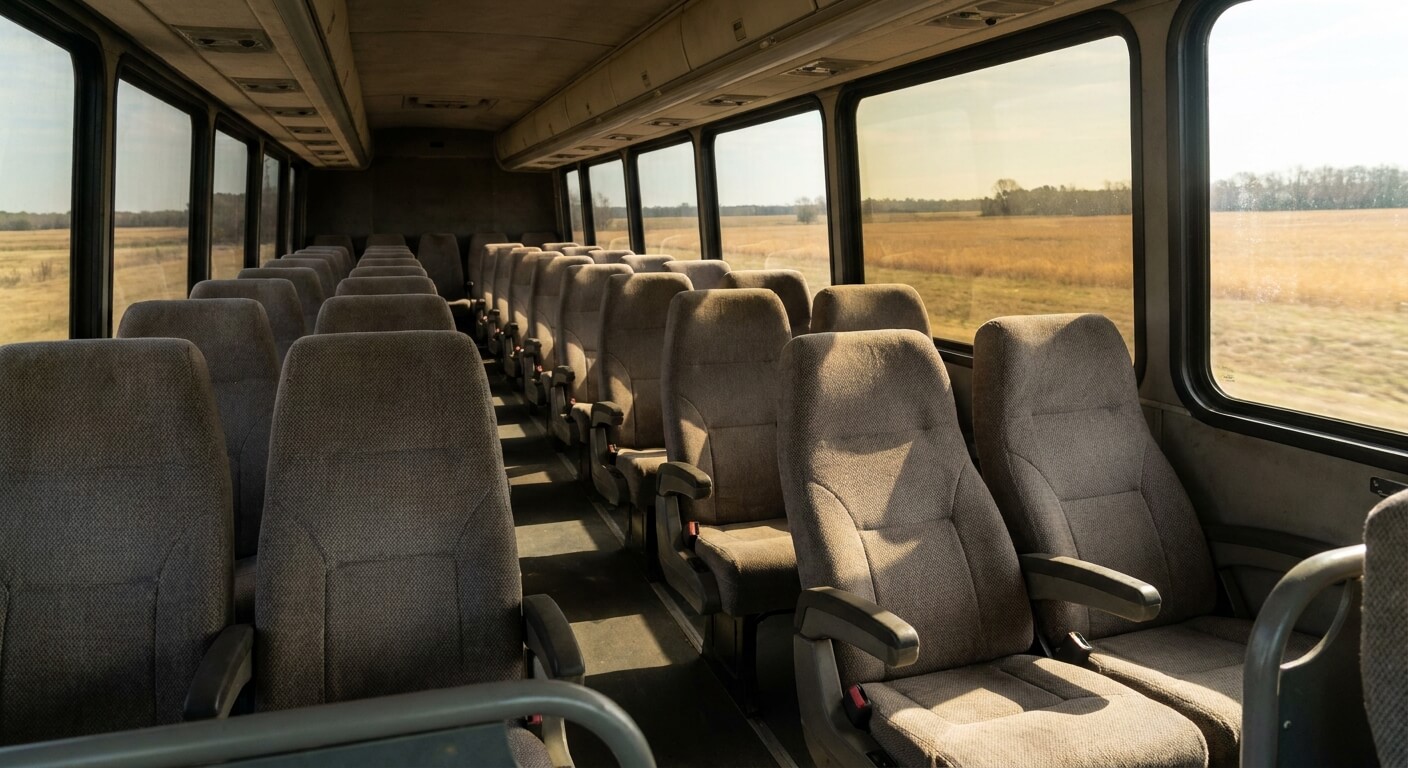
Free movies on a Chinatown bus sound like a small perk, but on a long ride they can change how the hours feel.
The StarLine Coach movies page says riders who install the official app can watch movies and YouTube on the bus WiFi without using their own mobile data. This guide explains how that works and how to prepare.
The published pages give the idea but not every detail. They do not say which vehicles offer it, and they do not promise a specific title. So treat free movies on a Chinatown bus as a pleasant extra, and set up your phone before you leave home.

What the Site Says About Free Movies on a Chinatown Bus
The movies page on the StarLine Coach site explains the basic offer. After you install the official app, you can watch movies and YouTube over the free WiFi on the bus. The page adds that this does not use your own data plan, which is the main reason many riders care.
The same page lists a set of films, and most of them are from 2016 and 2017. That means you should not expect the newest releases. If you want a particular title, check the list on the site before you travel, because the pages do not promise any single movie.
The home page also lists free WiFi, power outlets, and air conditioning as onboard features.
The pages do not say whether every vehicle has the same setup. If free movies on a Chinatown bus are important for your trip, call customer service before you buy. The line is open 24 hours a day, seven days a week, at 646-859-2288.
This guide sticks to what riders can actually do with free movies on a Chinatown bus: install the app, connect on board, and choose from the list.
5 Key Steps to Watch Free Movies on a Chinatown Bus
These five steps follow the offer described on the movies page. Do the first three at home, where your connection is strong and you can fix any problem calmly.
- Install the official app. The movies page ties the free viewing to the StarLine Coach app, so install it before the trip.
- Sign in and look around. The app page says you can find and book tickets, manage trips, and check reward points, so learn the screens early.
- Charge your phone fully. Watching a film uses battery, and an outlet on the bus may be busy or not working.
- Connect to the bus WiFi once you board. The offer works over the onboard WiFi, not your own data plan.
- Pick a title from the list. Choose something you like, and keep a second option ready in case one does not play.
Each step for free movies on a Chinatown bus is simple, and together they take about ten minutes at home. People who skip the setup often end up waiting in a parking lot, trying to install an app on a weak signal, which is the least pleasant place to do it.
Setting Up Before You Reach the Pickup
Your pickup is probably a gas station, a Walmart lot, or a fast food lot, not a terminal with a waiting room. The stations page lists 26 cities and 27 pickup points, and most of them look like this. So the best time to prepare for free movies on a Chinatown bus is at home.
Make sure your phone has enough free storage for the app and for free movies on a Chinatown bus to run smoothly.
Update your phone software if it asks, and check that you remember your account details. If you are new, create the account in advance, since typing a password in a cold parking lot is no fun.
Do not forget the boarding basics. Online ticket holders are asked to arrive 30 minutes early, or the seat may be resold. You also need a government-issued photo ID and your e-ticket. The post on how early to arrive for the Chinatown bus covers the rule.
Watching Free Movies on a Chinatown Bus: What to Expect
Once you are seated and connected, the app should let you choose from the list on the movies page. The pages do not describe the connection speed, so be ready for the possibility that a film loads slowly. A calm approach helps: start the movie early and give it a moment.
Seats are not assigned, and the FAQ says seating is first come, first served. That is another reason to arrive early if you want a good spot for watching. The article on how seats work on the Chinatown bus explains what to expect, and a comfortable seat makes any movie better.
Use headphones for free movies on a Chinatown bus. A coach full of riders shares one small space, and sound from a phone speaker carries farther than you think. Headphones also keep the movie clear when the engine and road noise rise.
With free movies on a Chinatown bus, keep the volume at a level where you can still hear a driver announcement. If you fall asleep during a film, set an alarm for your stop. The terms say stops are short, and you should not leave the bus unless it is your own stop.
Power, Bags, and Comfort for a Movie Ride
Battery is the main limit for free movies on a Chinatown bus. The home page lists power outlets, but it does not say how many there are or where they sit. A small power bank in your carry-on is a sensible backup that does not depend on the bus.
Remember that each rider may bring one checked bag and one carry-on bag. Put your charger, cable, headphones, and a snack in the carry-on so you can reach them. The details on size and weight are in the post on the Chinatown bus baggage allowance.
For a long viewing session, bring a light jacket, since the vehicle has air conditioning according to the home page. A neck pillow and a water bottle also make a long film session easier. None of these items needs special permission, and all of them fit in a carry-on.
Other Ways to Use the App
The app is not only for movies. The app page says you can find tickets, book, manage your trip, and check reward points. The rewards page explains that members earn 1 point for each $1 spent, and every 10 points can be used as $1 off.
That means the same app you install for free movies on a Chinatown bus can also help you plan your next trip. Explore the screens at home, when you have time, and save your account details so you can find them quickly later.
For anything about prices or schedules, use the purchase page. This blog does not quote fares, because they change with the date and the route. The purchase page and your e-ticket are the final word on departure details and your pickup name.
What This Guide Cannot Tell You
Honest planning means knowing the gaps. The pages do not say how long a ride lasts, how many buses run each day, which vehicles offer the movie feature, or how often the film list changes. This guide leaves those details out on purpose, because guessing would only mislead you.
If a detail does not appear on the site or in your e-ticket, ask customer service rather than trusting an old screenshot or a forum post. You can also write to help@starlinecoach.com. A short question before you travel can save a long wait later.
Plan Your Trip and Start Watching
Free movies on a Chinatown bus come down to a few simple habits: install the app, charge your phone, connect to the bus WiFi, and choose a title from the list. Add headphones and a backup plan, and the ride goes by more easily.
Ready to book? Visit the StarLine Coach website to see current options, learn about the app, and confirm your pickup name before you travel. Always check the purchase page for the latest details.